PromptClub
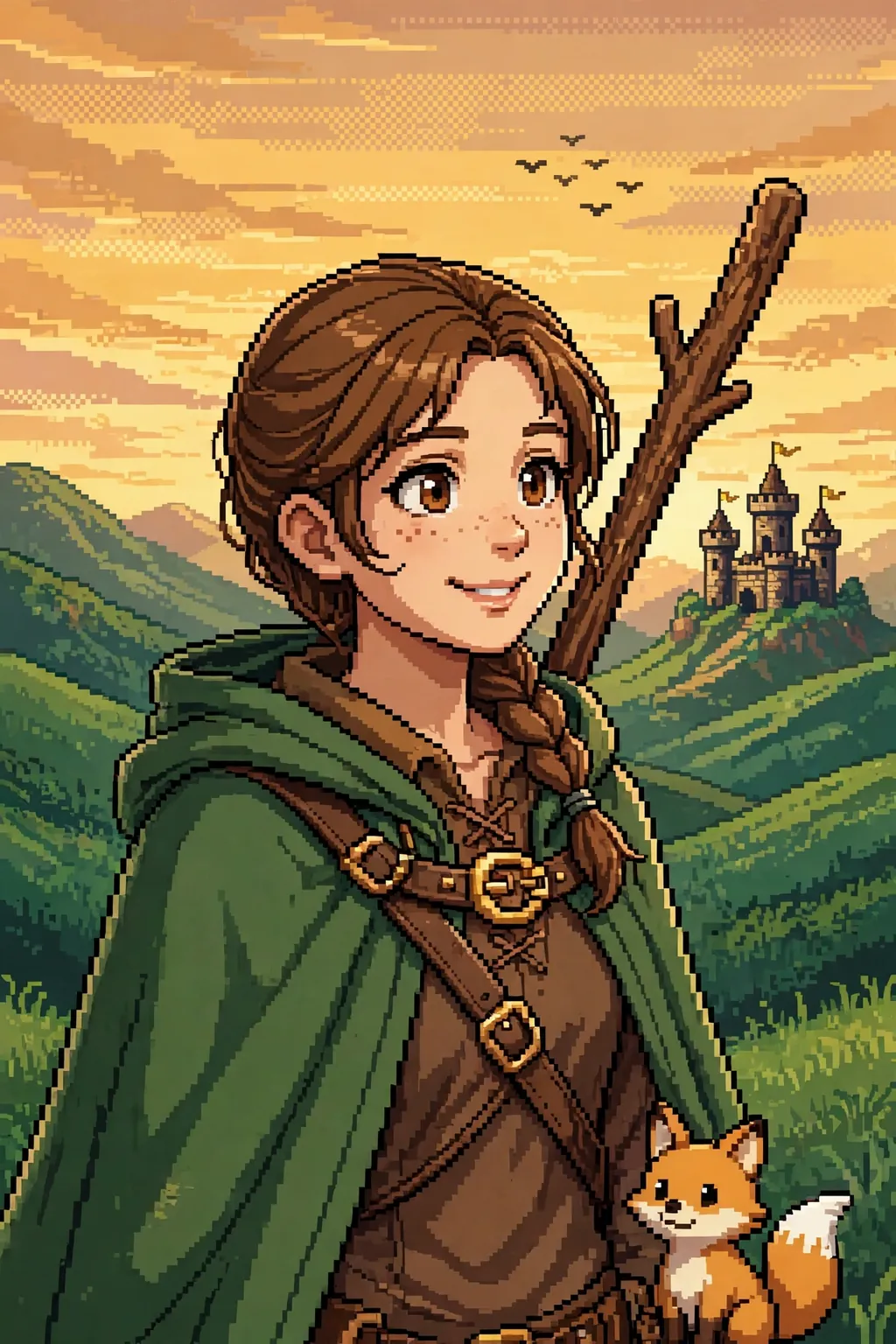
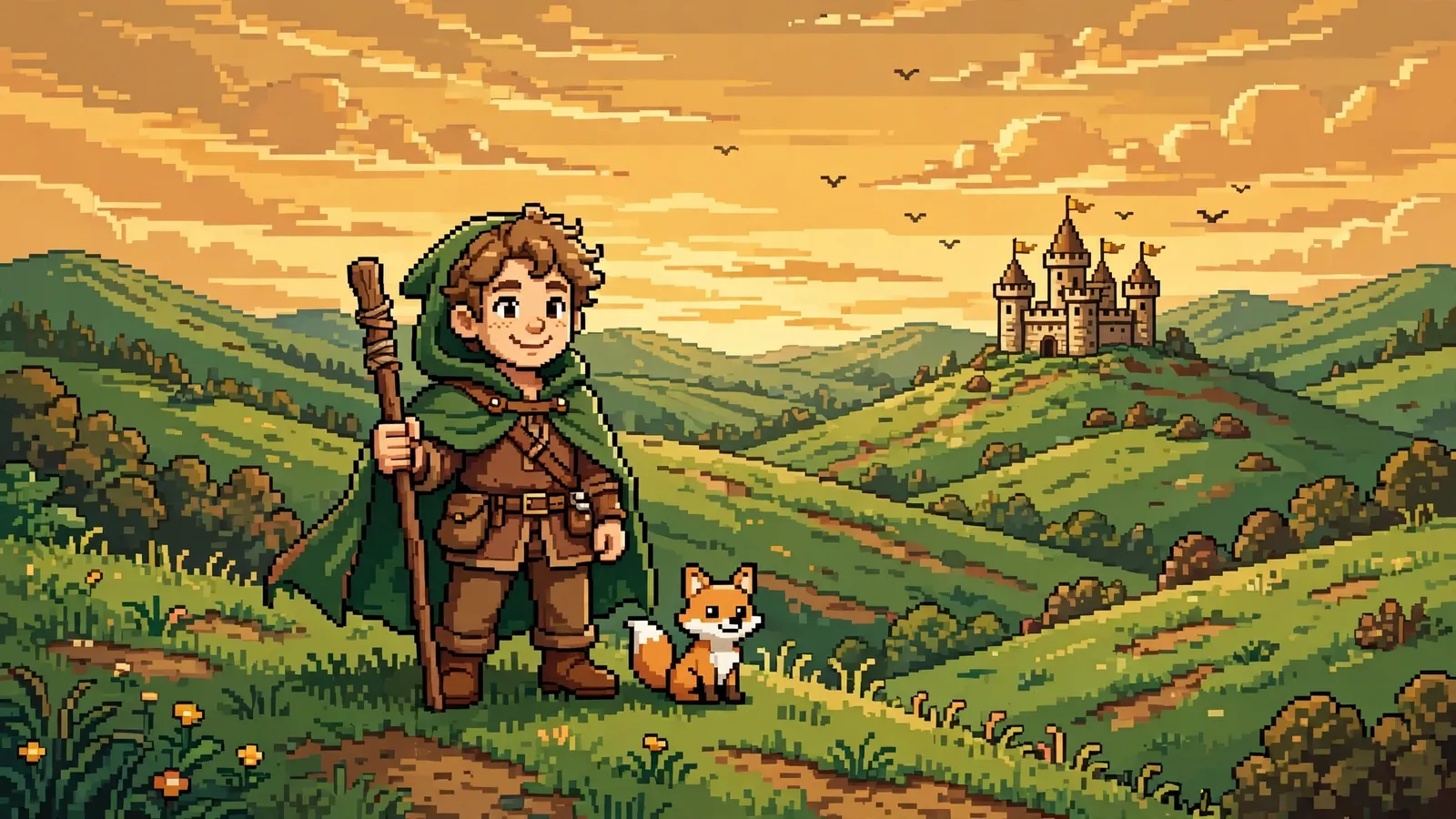
A 16-bit pixel art hero portrait of a smiling adventurer in a green cloak against a banded sunset sky with a castle and rolling hills.

Collection · 21 prompts

21 Pixel Art Portrait Prompts for ChatGPT & Gemini

Pixel art is having a proper comeback — the 8-bit sprite sheet GIFs all over X and TikTok, the 16-bit arcade fighter portraits filling feeds, the RPG hero versions of ordinary selfies. An ai pixel art portrait prompt turns your own photo into a playable character from a retro game: chunky pixels, limited palettes, bold outlines and all the nostalgia of the games you grew up with. This collection gathers twenty-one original prompts for ChatGPT, Midjourney, Gemini and Nano Banana, each one built around a specific retro treatment rather than a vague "make it pixelated" ask. You will find the full retro-game treatment here: a four-pose 8-bit sprite sheet, a 16-bit arcade fighter versus screen, an RPG hero introduction, a cyberpunk alley portrait, a samurai at dusk and a wizard in his library tower. There are portraits for real life too — a pixel wedding, a graduation, a family Christmas, a beach holiday and a mountain trail at sunrise — plus the practical ones: a pixel avatar and a profile picture built to stay readable at thumbnail size. Every prompt names its palette, its bit depth and its scene plainly, so the model builds real pixel art instead of a blurry filter. Upload your photo, paste the prompt, and change one detail at a time — the palette, the pose, the background — until the sprite feels like you.

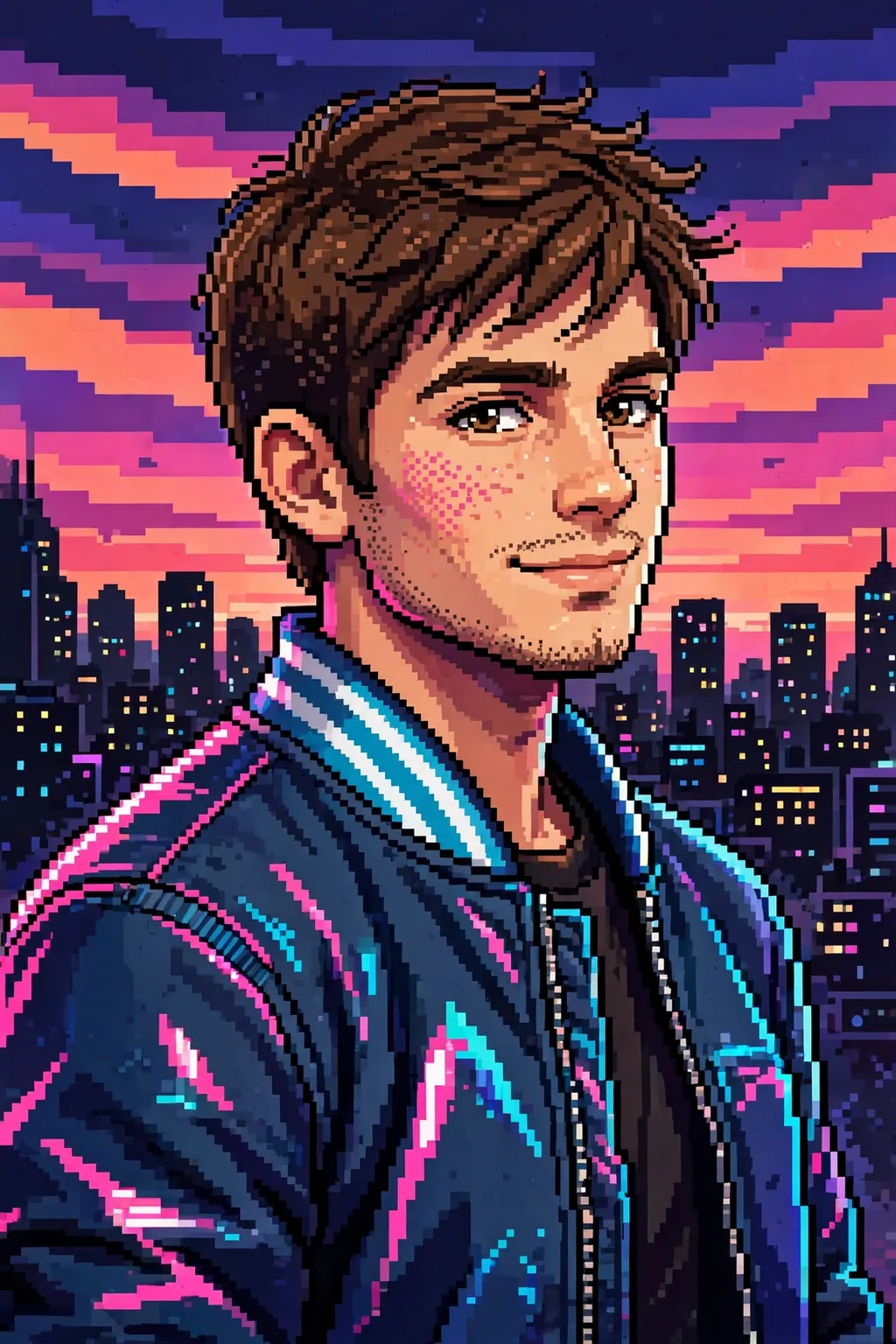
A 16-bit pixel art portrait of a person in a retro bomber jacket against a neon city skyline at dusk with a banded sunset.
ChatGPT
№ 01

The prompt

Render my photo as a rich 16-bit pixel art portrait in the style of a 1990s arcade game, with smoother shading and a wider palette than 8-bit — around thirty-two colours, soft gradients in the skin, and detailed pixel work in the hair and eyes. Keep my face clearly recognisable, with a confident half-smile, and dress me in a retro bomber jacket with a striped collar, rendered in layered pixel tones. Set the portrait against a neon city skyline at dusk, tiny lit windows and a glowing sunset in chunky pixel bands, with a soft vignette that pulls the eye to the face. Add a subtle film-grain dither across the whole image for an authentic arcade feel, and keep the edges crisp — no blur, no smoothing, every pixel visible. Let the neon reflections pick out the jacket's folds in pink and cyan. No text, no HUD elements, no score counter and no logo anywhere in the frame. The finished piece should feel like a character select screen from a beloved 16-bit fighter: bold, colourful, full of attitude, and unmistakably me.

Tip: If the skyline crowds the face, ask for the city smaller and lower in the frame with more sky above it.
Share
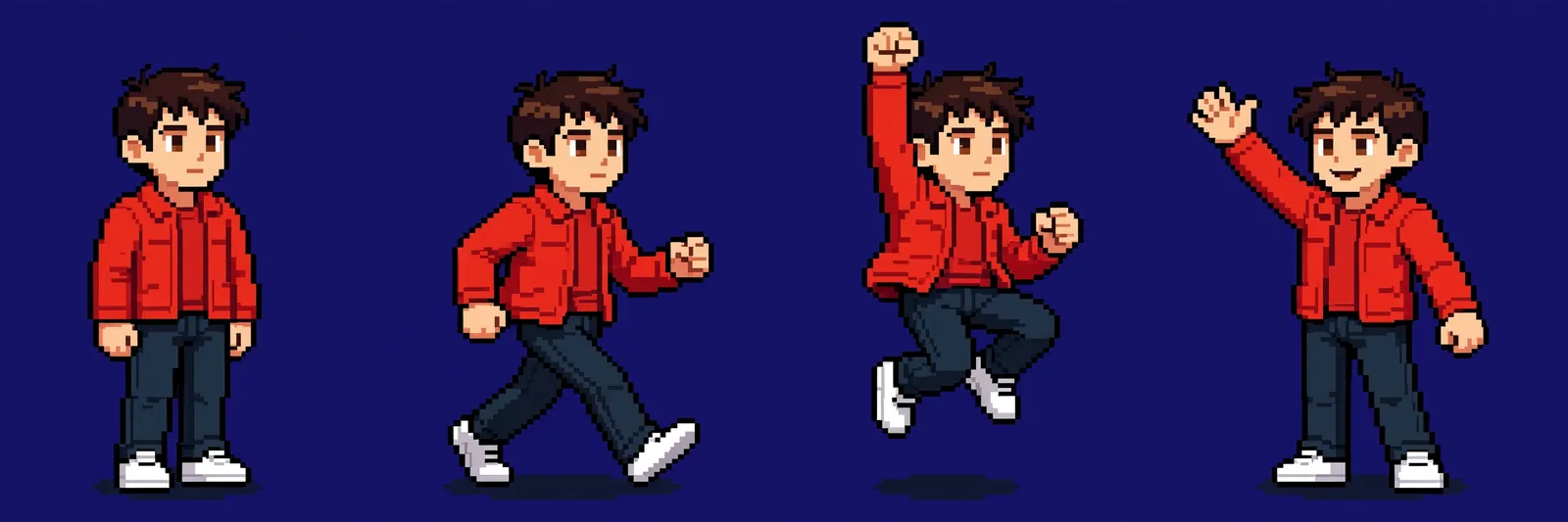
An 8-bit sprite sheet of one character in a red jacket in four poses — idle, walking, jumping and waving — on a dark navy background.
ChatGPT
№ 02

The prompt

Build a clean 8-bit sprite sheet of my character from my photo, with four poses in a neat row on a plain dark background: standing idle, mid-walk, jumping with one fist raised, and waving hello. Keep the same face, hairstyle and outfit across all four sprites so the sheet reads as one character, not four strangers. Use a strict sixteen-colour palette with bold outlines, chunky pixels and simple two-tone shading on the clothes — a red jacket, dark jeans and white sneakers that stay identical in every frame. Each sprite should stand on the same invisible baseline with even spacing between poses, like a real game asset sheet ready for animation. Add a tiny pixel shadow under each pair of feet and keep the background a flat deep navy so the sprites pop. No text, no labels, no grid lines and no watermark anywhere on the sheet. The result should look like a genuine retro game sprite sheet — crisp, consistent and full of personality — ready to share, print or drop into a game project.

Tip: If a pose changes the outfit, name the jacket, jeans and sneakers again and ask for all four poses to match.

Share
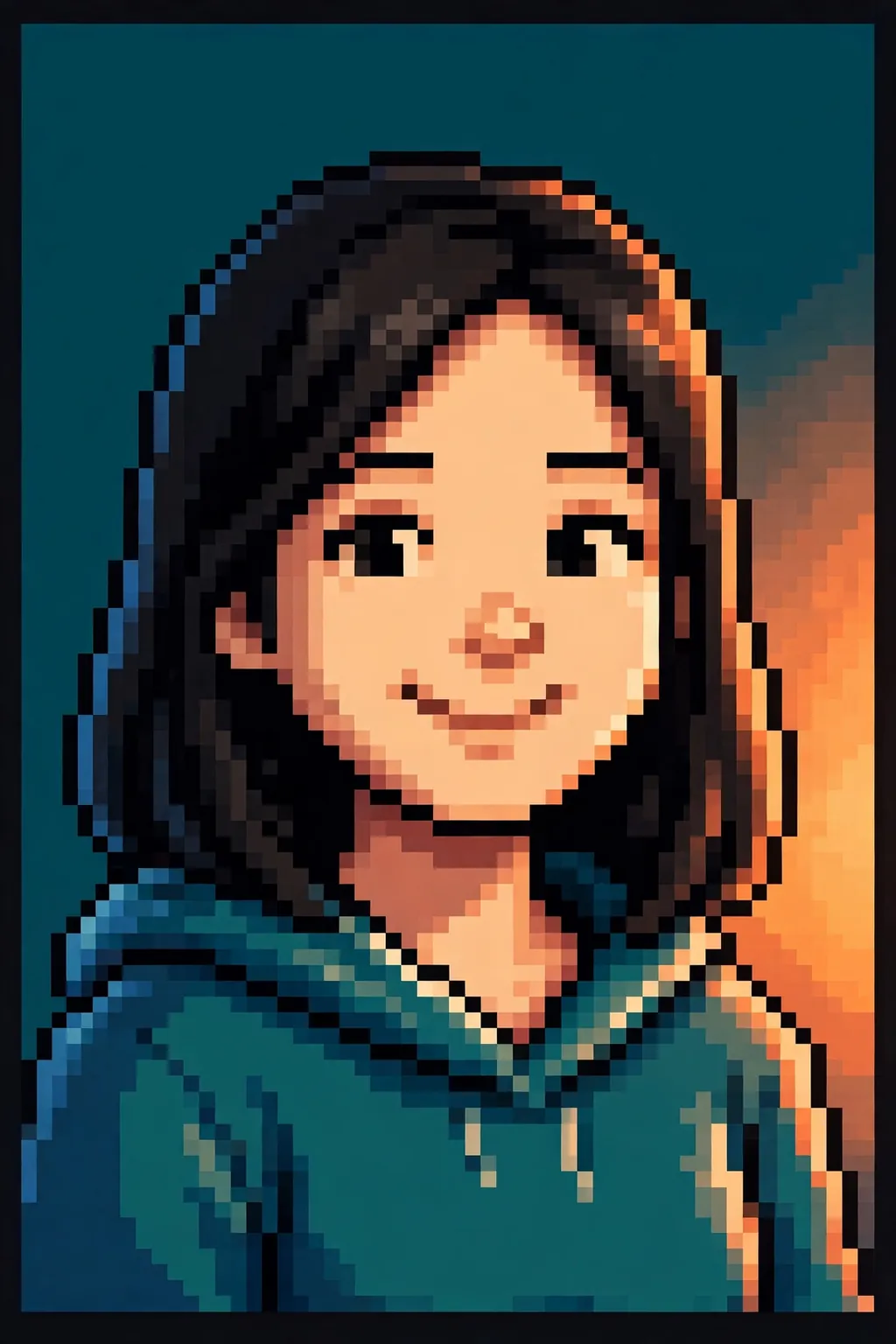
A chunky 8-bit pixel art portrait of a smiling person in a hoodie against a deep teal background with sunset-orange pixel glow.
ChatGPT
№ 03

The prompt

Turn my photo into a chunky 8-bit pixel art portrait, keeping my face, hairstyle and smile clearly recognisable while rebuilding every detail from crisp square pixels. Use a limited retro palette of about sixteen colours — warm skin tones, a deep teal background and soft cream highlights — so the portrait reads like a sprite from a classic handheld game rather than a blurred filter. Keep the eyes bright and expressive with just a few pixels each, the hair in bold blocky shapes with two or three shades for depth, and the shoulders framed in a simple jacket or hoodie rendered in flat pixel blocks. Add a subtle pixel-dithered gradient behind the head, a soft glow of sunset orange on one side and cool blue shadow on the other, and a clean dark border that makes the sprite pop. No text, no watermark and no logo anywhere in the frame. The finished portrait should feel like a playable character from a beloved retro game: instantly recognisable as me, warm, a little nostalgic, and sharp enough to use as a profile picture or a printed poster.

Tip: If the face drifts, re-upload the original photo and ask for the eyes and smile to match it exactly.

Share
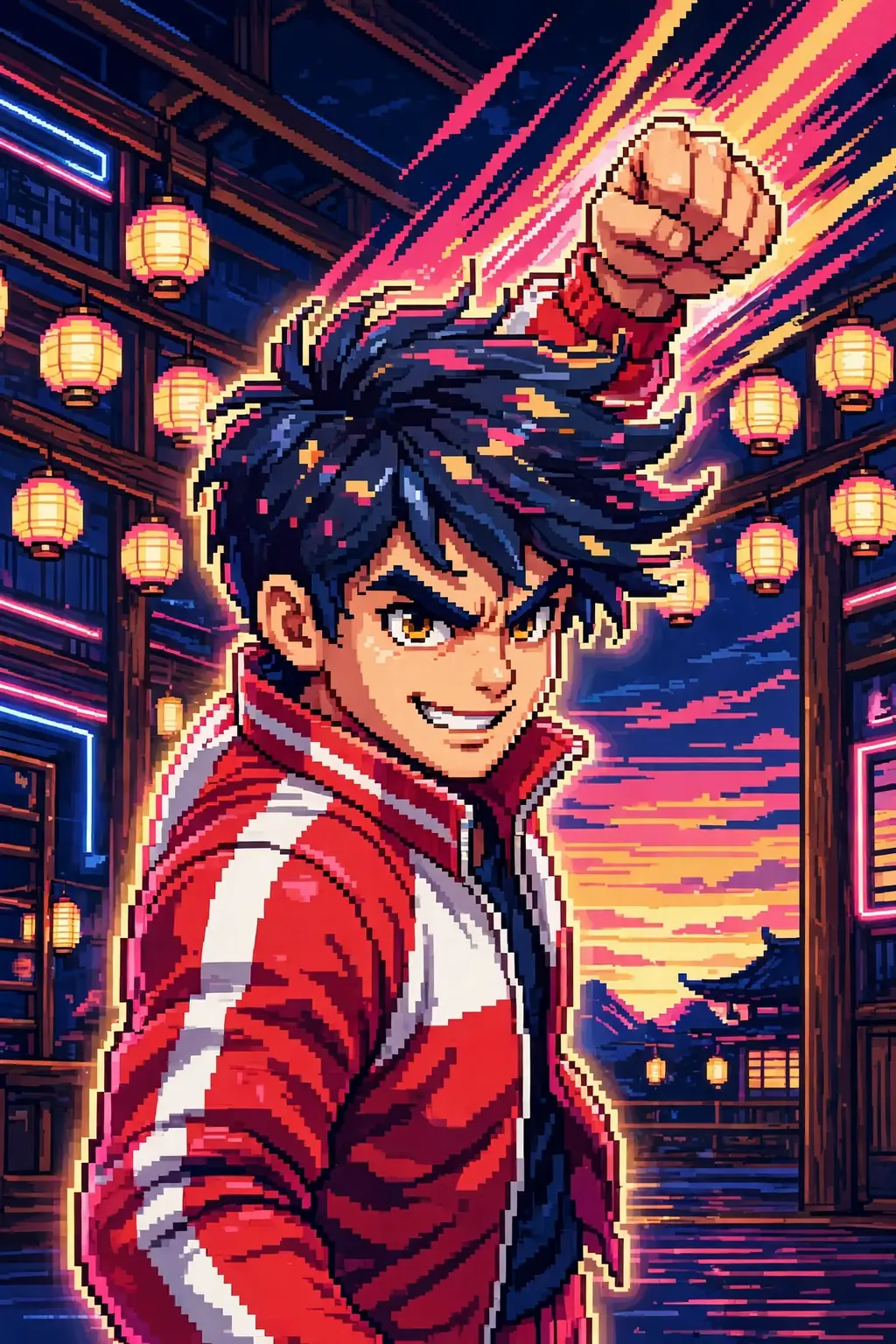
A 16-bit arcade fighter portrait of a person in a red-and-white tracksuit with one fist raised in a neon-lit dojo at night.
ChatGPT
№ 04

The prompt

Turn my photo into a 16-bit arcade fighter character portrait, the kind that flashes up on a versus screen: me in a fighting stance, one fist raised, wearing a bold red-and-white tracksuit with pixel-shaded muscles and a determined grin. Keep my face recognisable but give it arcade attitude — sharp pixel eyebrows, a confident smirk, and wind-blown hair rendered in chunky blocks. Behind me, a neon-lit dojo at night with paper lanterns and a glowing sunset in banded pixel gradients, plus a soft glow around my silhouette like a selected character. Use a rich 32-colour palette with deep blues, hot pinks and warm golds, every pixel crisp and deliberate. Add motion lines in chunky pixel strokes behind the raised fist, and a faint glow under the feet as if the floor itself is lit. No text, no health bars, no versus letters and no logo anywhere in the frame — the portrait must stand alone. The result should feel like a playable fighter from a classic arcade cabinet: bold, energetic and unmistakably me, ready for a profile picture or a poster.

Tip: If the stance looks stiff, ask for the weight shifted onto the back foot and the raised fist a little higher.

Share
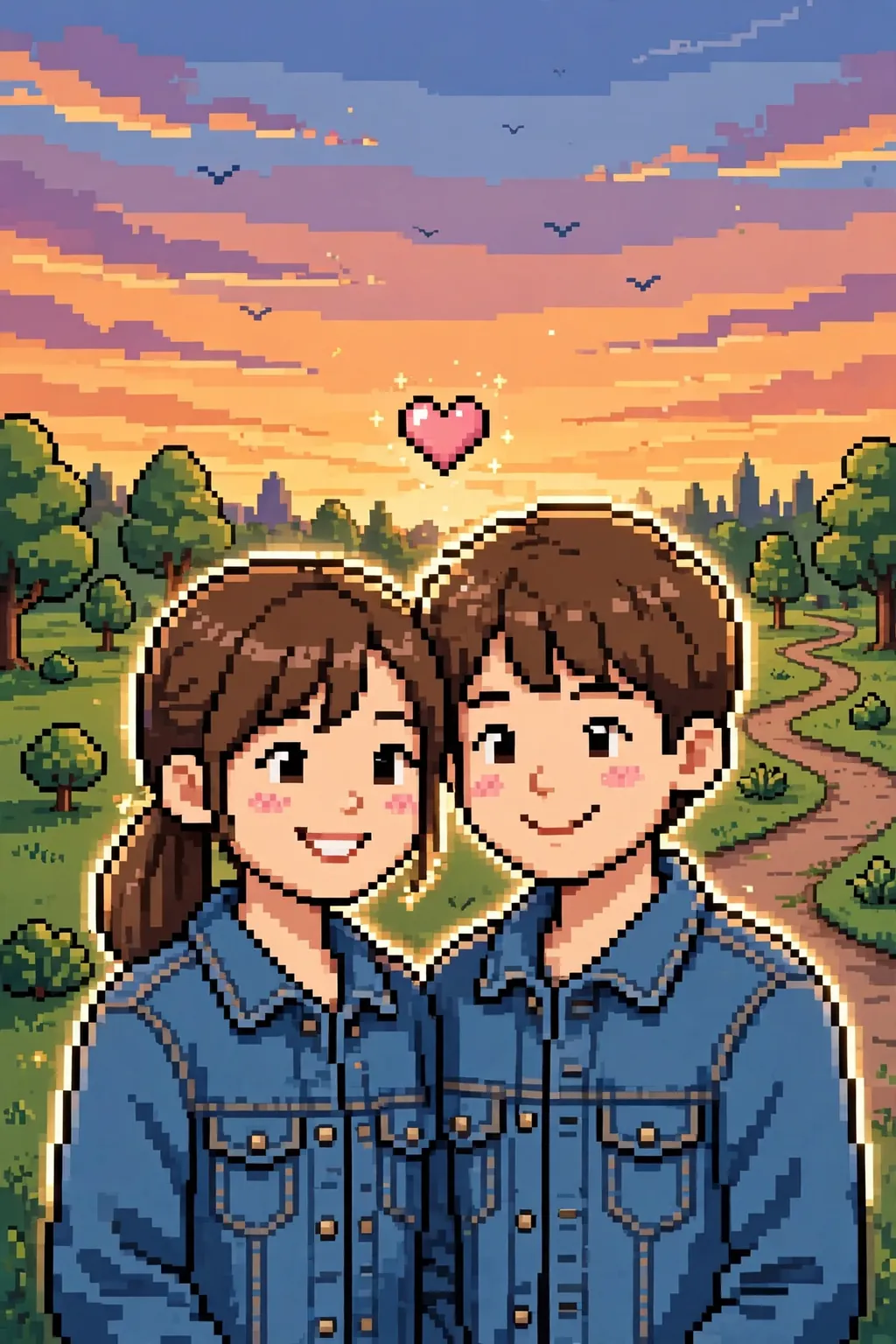
A 16-bit pixel art couple portrait in matching denim jackets in a park at golden hour, a small pixel heart above them.
ChatGPT
№ 05

The prompt

Turn our couple photo into a charming 16-bit pixel art portrait, keeping both faces, hairstyles and smiles clearly recognisable while rebuilding every detail from crisp square pixels. Pose us side by side, shoulders touching, in matching denim jackets rendered in layered pixel tones, with a soft blush of pink pixels on our cheeks. Set the scene in a pixel park at golden hour: banded sunset sky, tiny blocky trees, a winding path and a few pixel birds, all in a warm palette of oranges, greens and soft blues. Add a small pixel heart floating above our heads and a gentle glow around our silhouettes, like a favourite memory from a retro game. Let the sunset light warm our faces from one side, and keep the path curving gently away behind us into the pixel trees. No text, no watermark and no logo anywhere in the frame. The finished portrait should feel like a sweet co-op game cover — warm, playful and instantly recognisable as the two of us — perfect for an anniversary gift, a profile picture or a framed print.

Tip: If one face drifts, name that person's hair and smile plainly and ask for both faces to match the photo.

Share
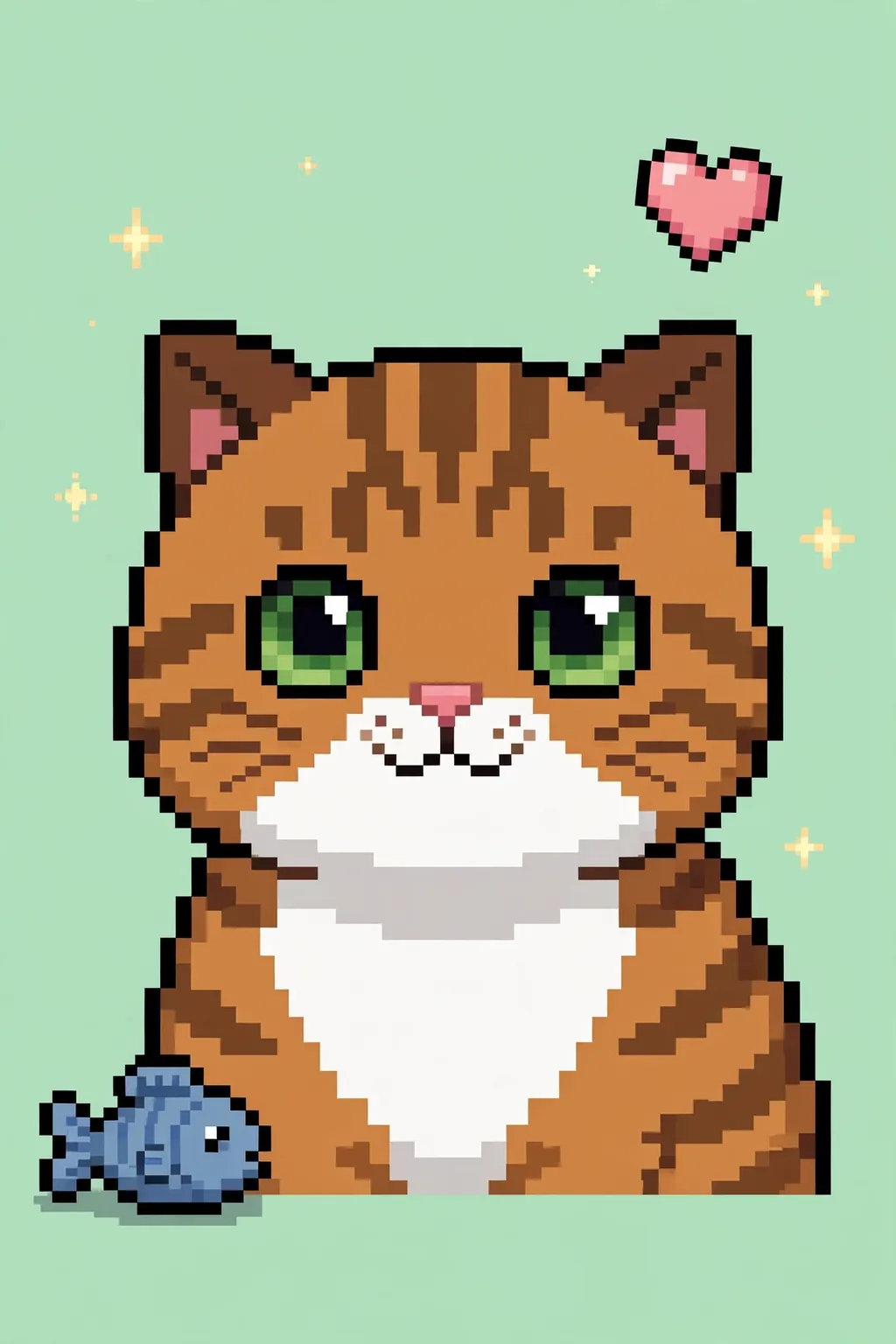
An adorable 8-bit pixel art portrait of a tabby cat with big expressive eyes against a soft mint-green background.
ChatGPT
№ 06

The prompt

Turn my pet's photo into an adorable 8-bit pixel art portrait, keeping the animal's exact markings, eye colour and expression while rebuilding every detail from chunky square pixels. Use a limited sixteen-colour palette with bold outlines and simple two-tone shading, so the portrait reads like a beloved sprite from a classic handheld game. Frame the pet from the chest up against a soft pastel background — mint green for a cat, sky blue for a dog — with a few tiny pixel stars and a small pixel heart floating nearby. Keep the eyes big and expressive with a single white highlight pixel each, and render the fur in blocky patches that follow the real markings. Add a tiny pixel toy — a ball or a fish — resting beside the pet, and keep the background soft and uncluttered. No text, no watermark and no logo anywhere in the frame. The finished portrait should feel like a collectible companion sprite from a retro game: instantly recognisable as my pet, full of personality, and cute enough for a profile picture, a sticker or a framed print.

Tip: Name the pet's markings plainly — tabby stripes, a white chest patch — so the sprite keeps them.

Share
A 16-bit RPG hero portrait of a person in a green hooded cloak with a wooden staff, rolling hills and a castle behind.
ChatGPT
№ 07

The prompt

Turn my photo into a 16-bit RPG hero portrait, as if I were the main character of a classic fantasy adventure game. Keep my face recognisable, then dress me in a forest-green hooded cloak with leather straps and a brass clasp, a wooden staff resting on one shoulder, rendered in detailed pixel work with soft shading. Set the portrait against a pixel-painted fantasy landscape: rolling green hills, a distant castle with tiny flags, and a golden sunset sky in banded pixel gradients, with a few blocky birds overhead. Use a warm, storybook palette of greens, golds and earthy browns, every pixel crisp, with gentle dithering in the sky for depth. Add a small pixel companion — a tiny fox at my side — and soft morning light that warms the cloak's green tones. No text, no dialogue boxes, no health bars and no watermark anywhere in the frame. The finished portrait should feel like the hero introduction screen of a beloved retro RPG — adventurous, warm and full of character — and unmistakably me, ready to share or print as a poster.

Tip: If the hood hides the face, ask for the hood pushed back so the hair and eyes stay fully visible.

Share
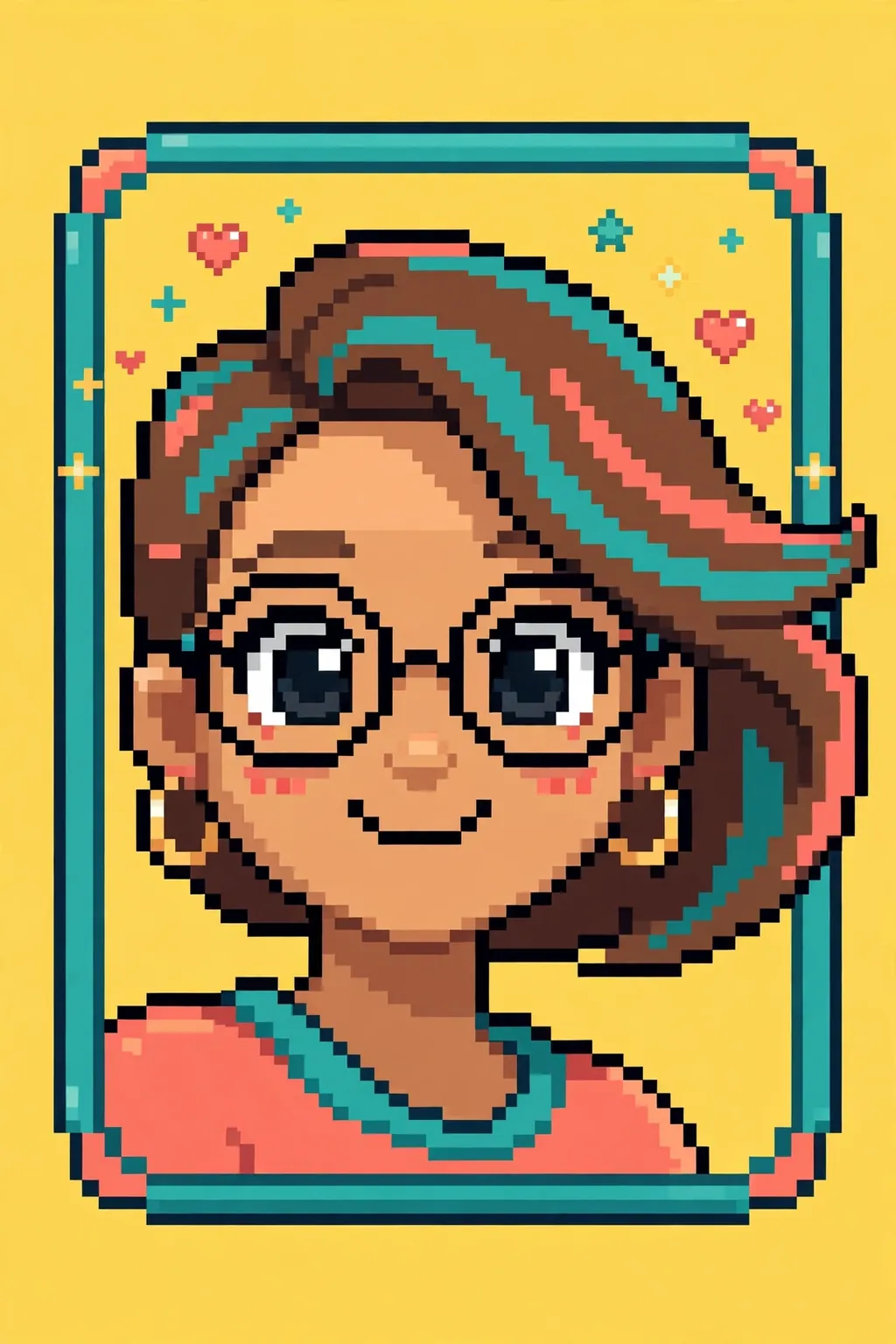
A playful pixel art selfie portrait with round glasses, a sunny yellow background and tiny pixel stars and hearts.
ChatGPT
№ 08

The prompt

Turn my selfie into a playful pixel art portrait that keeps my exact face, smile and hairstyle while rebuilding everything from bold, chunky pixels. Use a bright, cheerful palette — sunny yellow background, coral and teal accents, warm skin tones in three simple shades — so the portrait feels like a sticker from a retro mobile game. Keep the eyes big and lively with a single white pixel highlight each, the hair in sweeping blocky shapes, and add my favourite accessory — round glasses or hoop earrings — in clean pixel form. Frame the portrait from the shoulders up with a soft rounded pixel border, and scatter a few tiny pixel stars and hearts around the head for a fun, shareable feel. Keep the background flat and uncluttered so the face stays the star, and let the border glow faintly like a sticker edge. No text, no watermark and no emoji anywhere in the image. The result should be instantly recognisable as me, cute enough for a profile picture, and crisp enough to print as a sticker or a phone wallpaper.

Tip: If the glasses come out wonky, ask for round frames drawn with a single dark pixel outline and no reflection.

Share
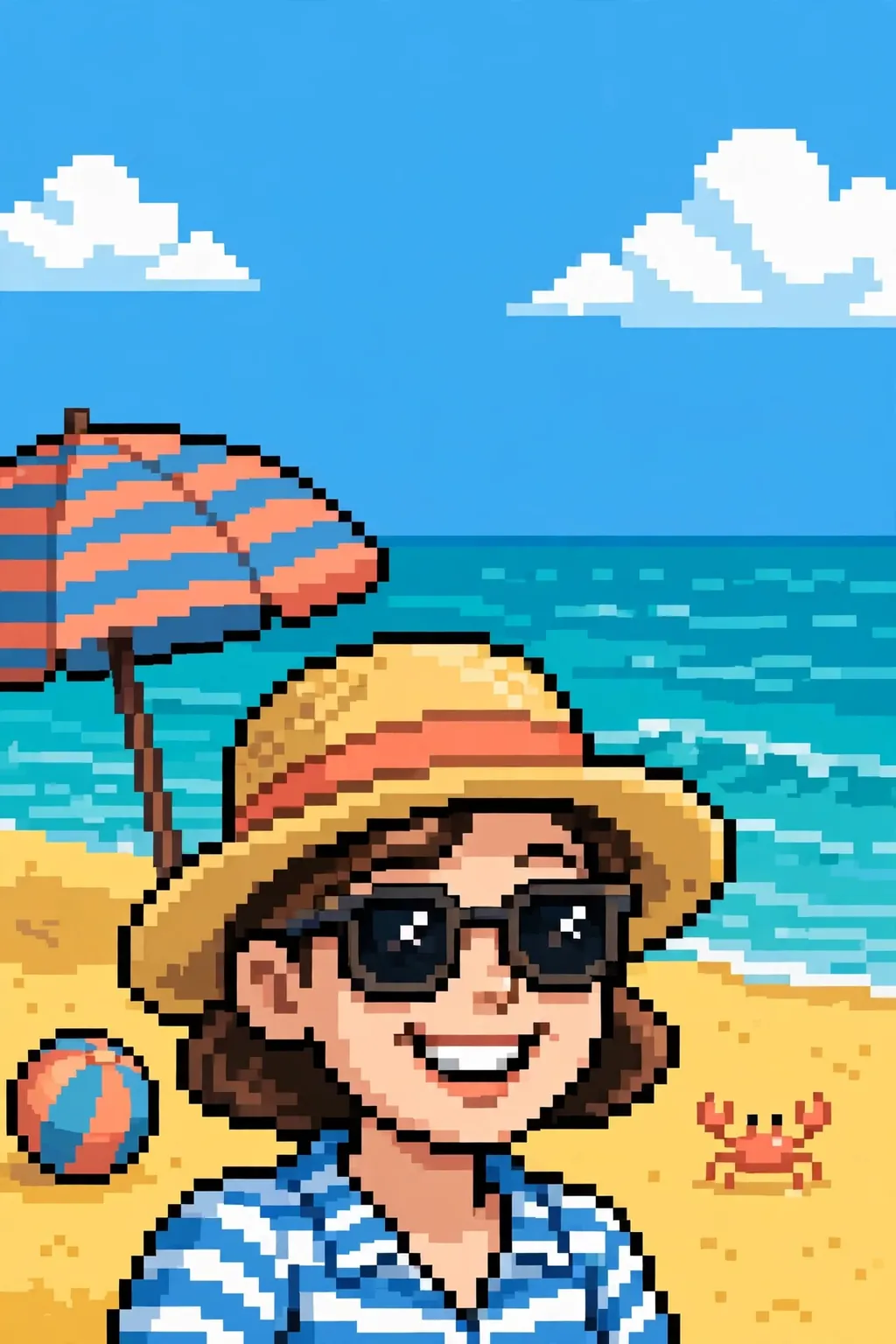
A bright 8-bit beach pixel portrait with sunglasses and a straw hat, turquoise pixel waves and a striped umbrella behind.
Gemini
№ 09

The prompt

Turn my beach photo into a bright 8-bit pixel art portrait, keeping my face, smile and sunglasses clearly recognisable while rebuilding the whole scene from chunky square pixels. Use a limited sixteen-colour palette — sunny yellow sand, turquoise sea in banded pixel waves, a clear blue sky with two blocky white clouds — so the portrait reads like a sprite from a classic summer handheld game. Dress me in a striped beach shirt rendered in flat pixel blocks, add a straw hat with a coral band, and keep the eyes lively behind the sunglasses with a single white highlight pixel. Add a tiny pixel crab on the sand and a striped beach umbrella in the background for charm. A striped beach ball rests in the sand nearby, and the sea breeze lifts the hat's coral band in a gentle pixel flutter. No text, no watermark and no logo anywhere in the frame. The finished portrait should feel like a holiday memory from a retro game: sunny, playful and instantly recognisable as me, perfect for a profile picture or a summer post.

Tip: If the sunglasses turn solid black, ask for dark lenses with one white highlight pixel on each side.

Share
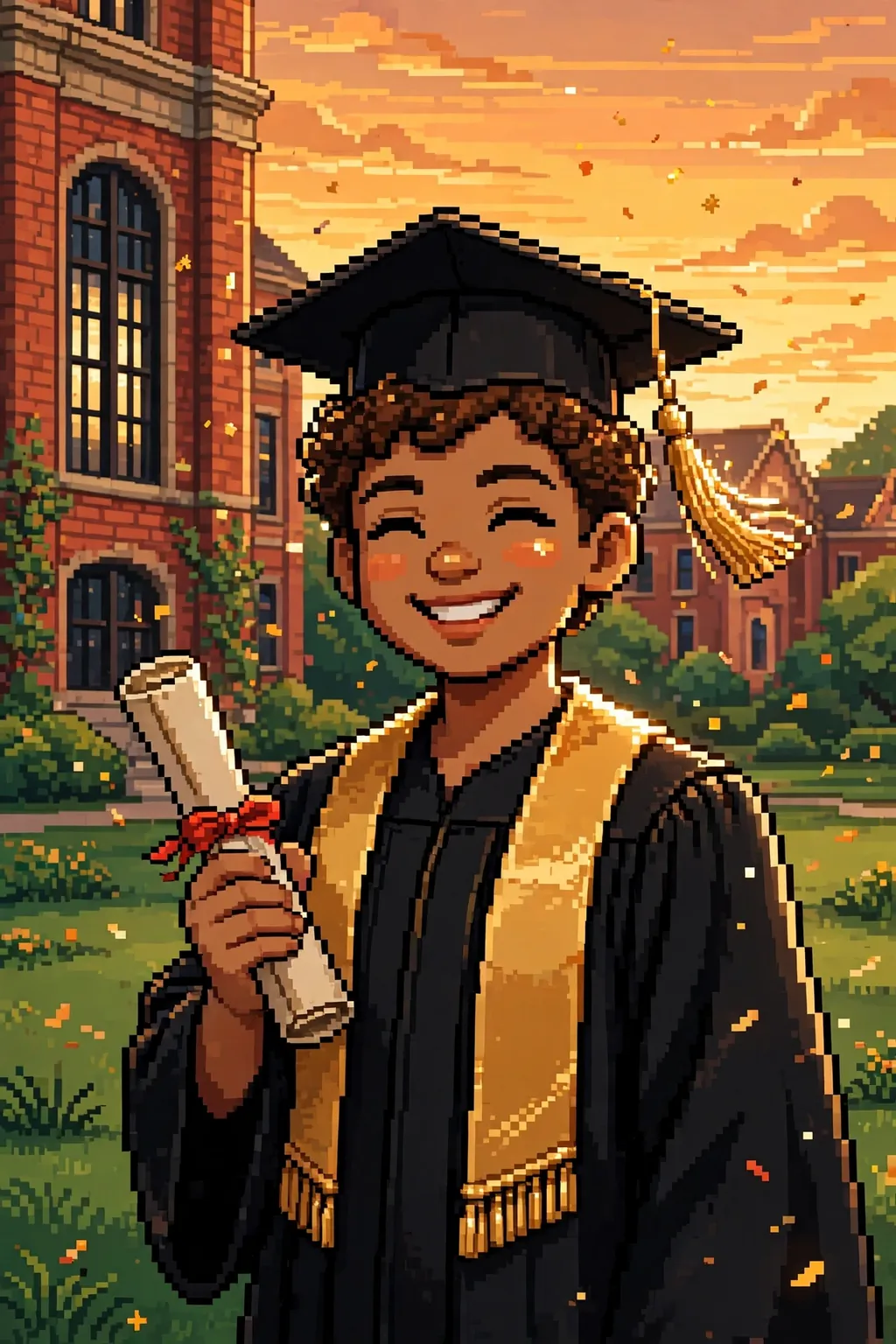
A 16-bit graduation pixel portrait in a black gown and mortarboard, holding a diploma before a campus at golden hour.
Gemini
№ 10

The prompt

Turn my graduation photo into a proud 16-bit pixel art portrait, keeping my face, smile and hairstyle clearly recognisable while rebuilding every detail from crisp square pixels. Dress me in a black graduation gown with a gold stole and a mortarboard cap, the tassel rendered in fine pixel detail, holding a rolled diploma tied with a red ribbon. Set the portrait against a pixel university campus at golden hour: a red-brick hall with tall windows, green lawns in blocky patches, and a banded sunset sky, with tiny pixel confetti floating in the air. Use a warm palette of black, gold, green and sunset orange, with soft shading in the skin and gentle dithering in the sky. A proud smile and bright eyes carry the whole portrait, with the tassel catching the golden light. No text, no watermark and no logo anywhere in the frame — the diploma and cap carry no letters. The finished portrait should feel like the ending screen of a beloved retro game: triumphant, warm and unmistakably me, ready to share or print as a keepsake.

Tip: If the mortarboard tilts oddly, ask for the cap flat and level with the tassel hanging on one side.

Share
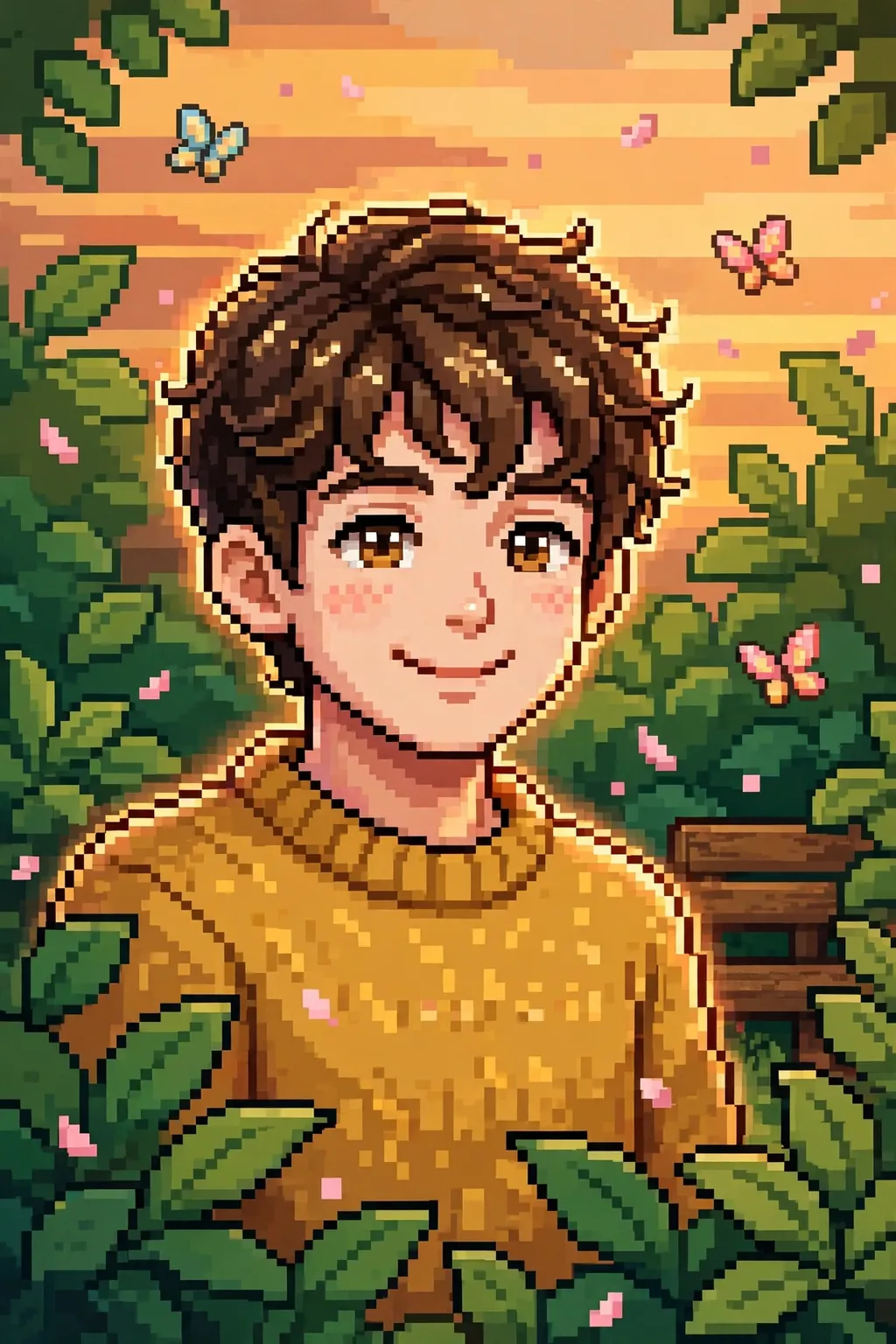
A warm 16-bit pixel art portrait of a person in a mustard sweater in a soft pixel garden with butterflies.
Gemini
№ 11

The prompt

Turn my photo into a warm 16-bit pixel art portrait, keeping my face, hairstyle and expression clearly recognisable while rebuilding every detail from crisp square pixels. Use a rich palette of around thirty-two colours with soft gradients in the skin and detailed pixel work in the hair, so the portrait feels like a polished character portrait from a 1990s adventure game. Dress me in a cosy mustard sweater rendered in layered pixel tones, and set the portrait against a soft pixel garden: green leaves in blocky clusters, warm afternoon light in banded gradients, and a few tiny pixel butterflies. Add a gentle glow around my silhouette and keep the edges crisp — no blur, no smoothing, every pixel visible. A wooden bench sits half-hidden behind the leaves, and the afternoon sun warms the sweater's mustard tones. A few petals drift across the frame in soft pink blocks. No text, no watermark and no logo anywhere in the frame. The finished portrait should feel like a favourite character from a beloved retro game: warm, friendly and unmistakably me, ready for a profile picture or a printed poster.

Tip: Gemini holds faces well — if it still drifts, shorten the garden detail and re-upload the photo.

Share
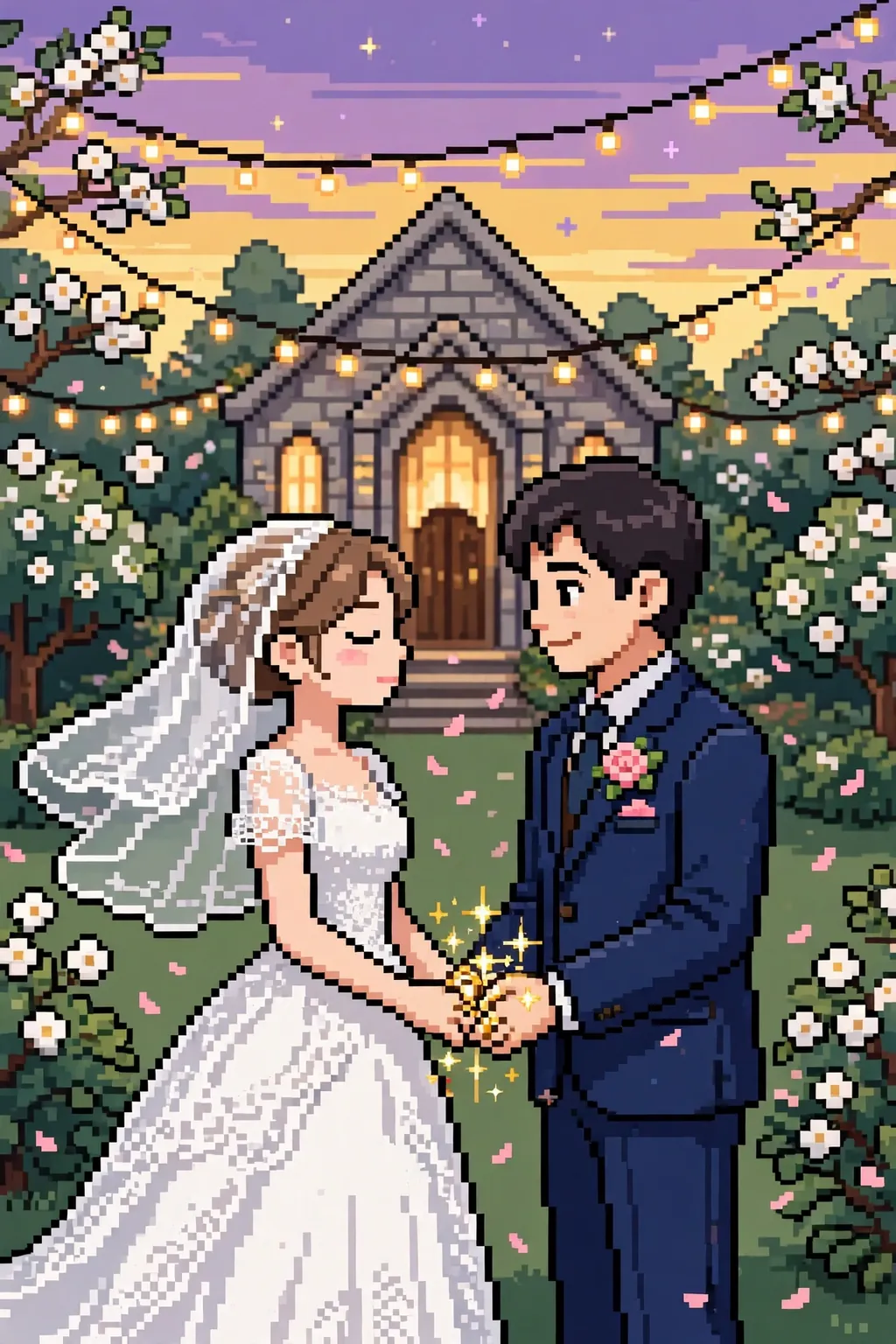
A romantic 16-bit wedding pixel portrait of a couple in a garden chapel at dusk with string lights and drifting petals.
Gemini
№ 12

The prompt

Turn our wedding photo into a romantic 16-bit pixel art portrait, keeping both faces, smiles and hairstyles clearly recognisable while rebuilding every detail from crisp square pixels. Dress the bride in a white gown with delicate pixel lace and a soft veil, and the groom in a navy suit with a blush boutonniere, standing close with hands joined. Set the scene in a pixel garden chapel at dusk: white blossoms in blocky clusters, warm string lights glowing softly, and a banded lavender-and-gold sky, with tiny pixel petals drifting through the air. Use a soft palette of white, navy, blush pink and warm gold, with gentle shading and a warm glow around the couple. The couple's joined hands rest gently at the centre of the frame, rings catching the warm string-light glow. The groom's pocket square matches the blush of the boutonniere in soft pink pixels. No text, no watermark and no logo anywhere in the frame. The finished portrait should feel like the happiest ending screen of a beloved retro game — romantic, timeless and instantly recognisable as the two of us — perfect for an anniversary gift or a framed print.

Tip: If the veil blurs the bride's face, ask for the veil swept back behind the shoulders.

Share
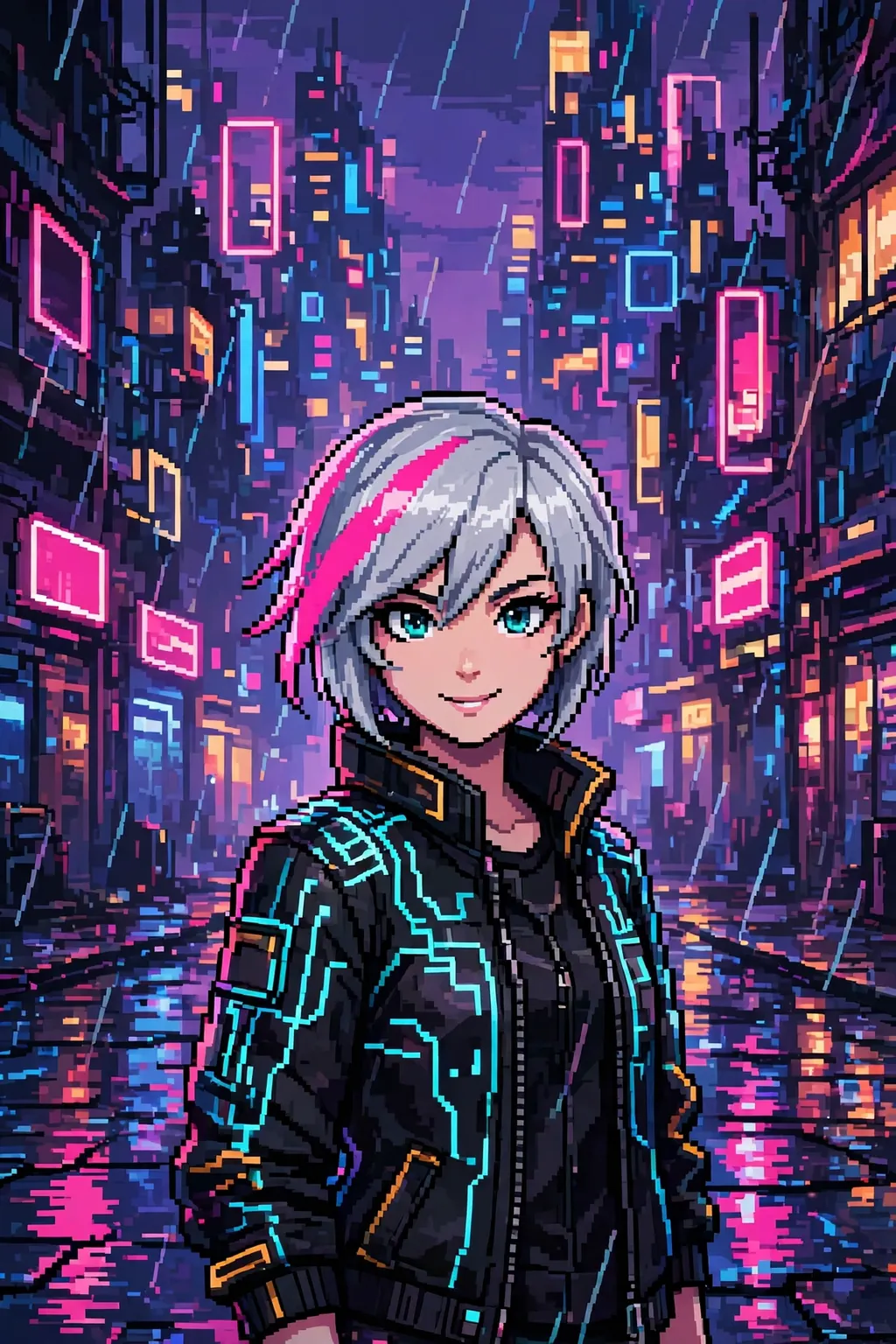
A 16-bit cyberpunk pixel portrait of a woman with silver hair and a pink streak in a neon alley at night.
Midjourney
№ 13

The prompt

A 16-bit pixel art portrait of a young woman with short silver hair and a neon-pink streak, standing in a rain-slicked cyberpunk alley at night, wearing a black tech jacket with glowing cyan circuit lines. Her face is rendered in detailed pixel work with soft shading — confident eyes, a small smile, a single pixel highlight in each eye. Behind her, a towering pixel city of neon signs rendered as abstract glowing rectangles with no readable letters, puddles reflecting pink and blue light in chunky pixel blocks, and a hazy purple sky in banded gradients. The palette is deep indigo, hot magenta, electric cyan and warm amber, with gentle dithering for atmosphere. Rain falls in short diagonal pixel streaks, and a distant hover-train glides past as a silent band of light. Her boots reflect the neon in small bright blocks. Every pixel is crisp and deliberate, no blur, no smoothing. No text, no readable signs, no watermark. The mood is cinematic and moody, like key art from a beloved 16-bit sci-fi adventure game — stylish, atmospheric and full of character.

Tip: If the neon signs grow letters, add 'abstract glowing rectangles, no readable text' and re-roll.

Share
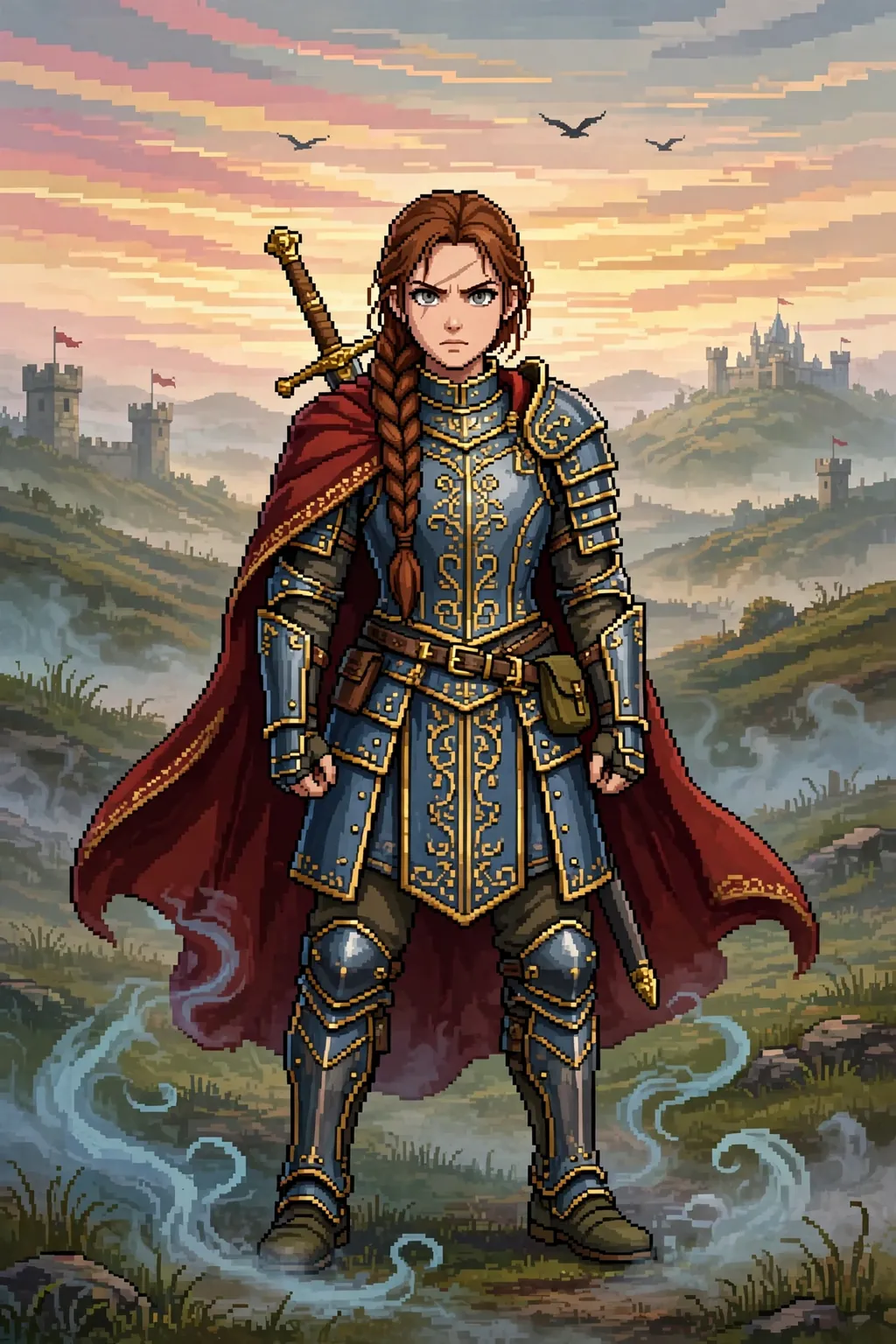
A 16-bit fantasy warrior portrait with braided auburn hair, steel armour and a crimson cloak before a dawn battlefield.
Midjourney
№ 14

The prompt

A 16-bit pixel art portrait of a fantasy warrior with long braided auburn hair and a scar across one eyebrow, wearing ornate steel armour with gold trim and a deep crimson cloak, a sword hilt visible over one shoulder. The face is rendered in rich pixel detail with soft shading — steady grey eyes, a determined expression, warm skin tones in layered pixel gradients. Behind the warrior, a pixel-painted battlefield at dawn: misty hills, distant castle towers with tiny flags, and a golden-pink sky in banded pixel gradients, with a few blocky crows overhead. The palette is steel blue, crimson, gold and earthy green, with gentle dithering in the sky for depth. A worn leather map case hangs at the hip, and the cloak's hem is frayed from long marches. Morning mist curls around the boots in soft grey pixels. The sword's pommel catches the first light in warm gold. Every pixel is crisp, no blur, no smoothing. No text, no watermark, no logo. The mood is heroic and cinematic, like the cover art of a classic 16-bit fantasy RPG — bold, detailed and full of story.

Tip: If the armour turns shiny and smooth, ask for flat pixel plates with two-tone shading only.

Share
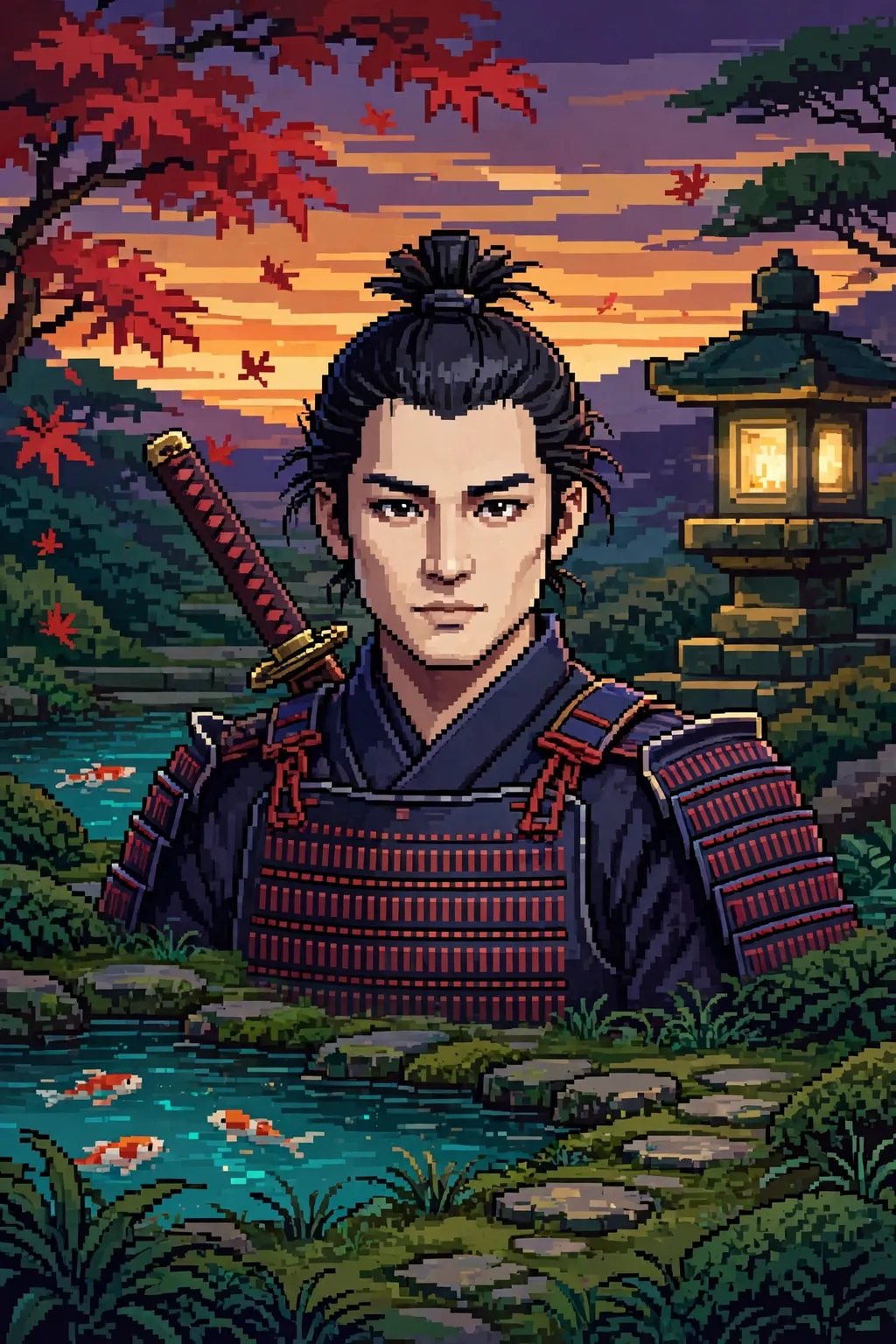
A 16-bit samurai portrait in indigo armour with crimson lacing, a maple tree with falling red leaves behind at dusk.
Midjourney
№ 15

The prompt

A 16-bit pixel art portrait of a samurai with a topknot and a calm, focused expression, wearing dark indigo armour with crimson cord lacing and a katana hilt visible over one shoulder. The face is rendered in detailed pixel work — steady dark eyes, a strong jaw, warm skin tones in soft layered gradients. Behind the samurai, a pixel-painted Japanese garden at dusk: a maple tree with falling red leaves in blocky clusters, a stone lantern glowing softly, and a banded sunset sky in orange and violet. The palette is indigo, crimson, warm gold and deep green, with gentle dithering for atmosphere. A folded paper fan rests at the belt, and the armour's shoulder plates carry a simple wave pattern in darker pixels. A koi pond glints at the garden's edge in teal blocks. Every pixel is crisp, no blur, no smoothing. No text, no watermark, no logo, no readable characters on any banner. The mood is serene and honourable, like the character art of a classic 16-bit samurai adventure game — elegant, atmospheric and full of quiet strength.

Tip: If the armour cords tangle into noise, ask for wide crimson lacing in clean horizontal pixel rows.

Share
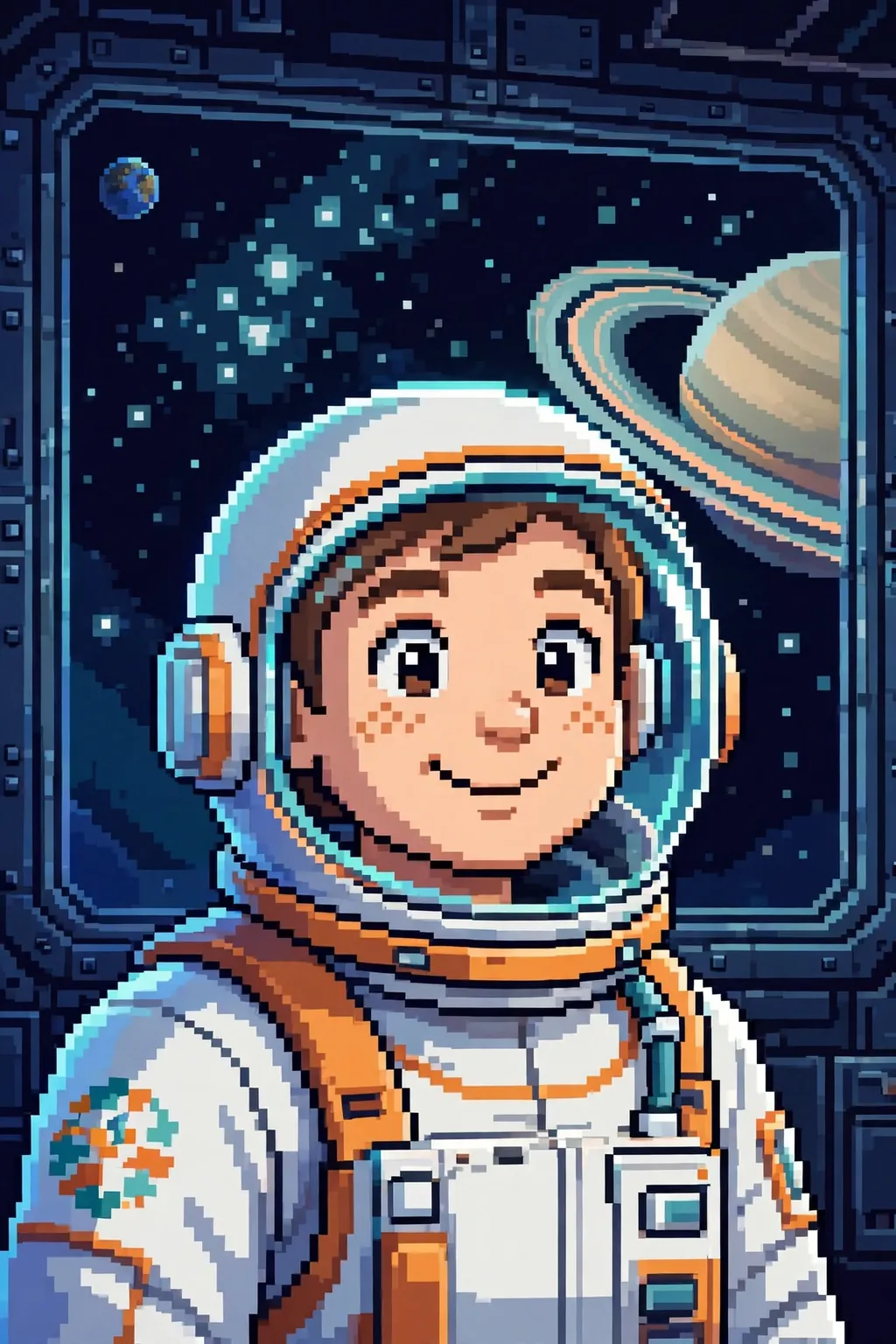
A 16-bit space explorer portrait in a white-and-orange suit with a bubble helmet, a ringed planet in the window behind.
Midjourney
№ 16

The prompt

A 16-bit pixel art portrait of a space explorer in a white-and-orange pressure suit with a clear bubble helmet, a cheerful smile visible through the visor, and a small mission patch rendered as abstract coloured shapes with no letters. The face is detailed in soft pixel shading — bright eyes, freckles in tiny pixel clusters, and a look of wonder. Behind the explorer, a pixel space station window frames a ringed planet and a field of blocky stars, with a soft blue glow washing across the suit. The palette is deep space navy, warm orange, cool white and soft teal, with gentle dithering in the shadows for depth. A coiled tether cable hangs at the hip, and the suit's chest panel glows with soft amber lights. Earth hangs small and blue in the far corner of the window. Tiny dust motes drift in the cabin light as blocky specks. Every pixel is crisp and deliberate, no blur, no smoothing. No text, no readable labels, no watermark. The mood is hopeful and adventurous, like key art from a beloved 16-bit space exploration game — clean, colourful and full of curiosity.

Tip: If the helmet visor fogs the face, ask for a crystal-clear visor with the smile fully visible.

Share
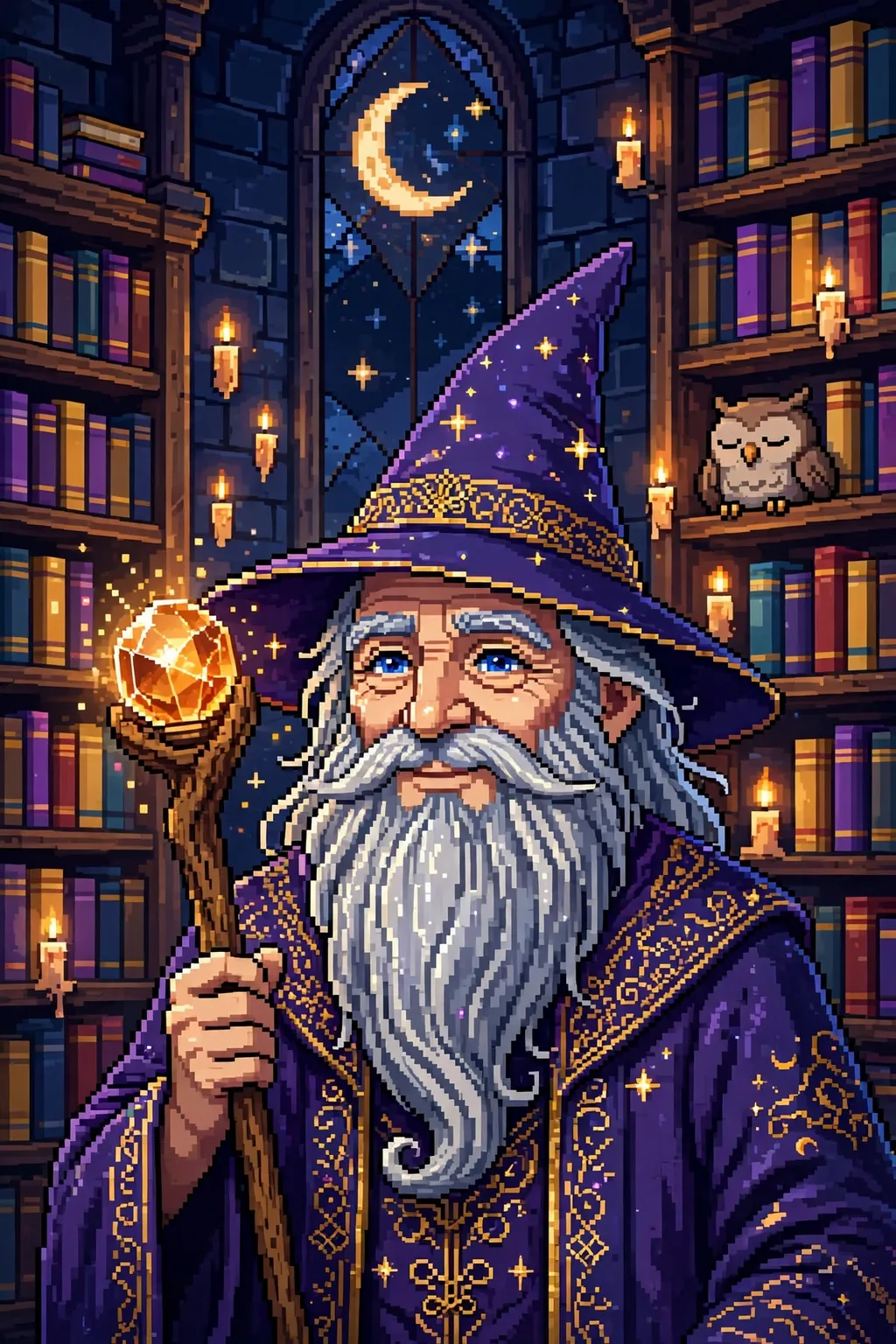
A 16-bit wizard portrait with a silver beard and star-studded hat, holding a glowing crystal staff in a library tower.
Midjourney
№ 17

The prompt

A 16-bit pixel art portrait of a wise wizard with a long silver beard and a pointed hat studded with tiny glowing stars, wearing deep violet robes with gold embroidery rendered in fine pixel detail. The face is warm and kind — twinkling blue eyes, laugh lines in soft pixel shading, and a gentle smile. In one hand, a wooden staff topped with a glowing amber crystal that casts warm light across the robes. A sleepy pixel owl perches on a shelf behind, and the crystal's glow catches the gold threads in the robes. Behind the wizard, a pixel library tower at night: shelves of colourful books as abstract blocks, floating candles, and a tall window showing a crescent moon and blocky stars. The palette is violet, gold, warm amber and midnight blue, with gentle dithering in the shadows. Every pixel is crisp, no blur, no smoothing. No text, no watermark, no readable book titles. The mood is magical and cosy, like the character art of a beloved 16-bit fantasy adventure — rich, detailed and full of wonder.

Tip: If the beard turns into a white blur, ask for the beard in three silver shades with visible pixel strands.

Share
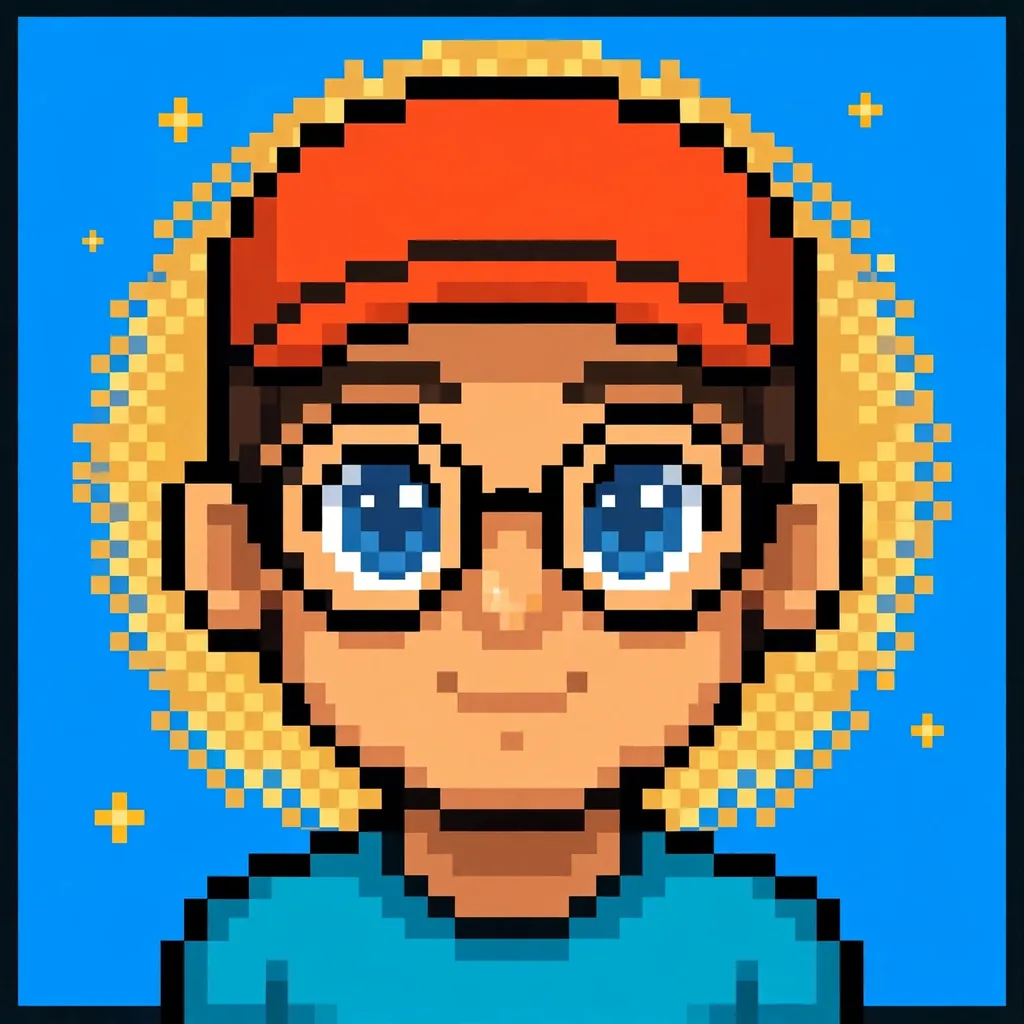
A bold pixel art avatar with a cap and round glasses against an electric-blue background with a pixel halo and stars.
Nano Banana
№ 18

The prompt

Turn my photo into a bold pixel art avatar, built for a profile picture: my face front and centre, big and expressive, rebuilt from chunky square pixels with a limited sixteen-colour palette and strong outlines. Keep my hairstyle, smile and favourite accessory — a cap or round glasses — clearly recognisable, with big lively eyes and a single white highlight pixel each. Set the avatar against a solid electric-blue background with a soft pixel halo behind the head and a few tiny pixel stars, so the face pops even at small sizes. Render the skin in three simple warm shades and the clothes in one bold flat colour for maximum readability. Keep the shoulders square and the chin slightly up for a confident, friendly look. The halo glows in warm gold against the electric blue. A thin dark outline keeps the whole avatar crisp at any size. No text, no watermark and no logo anywhere in the frame. The finished avatar should feel like a playable character icon from a retro game: instantly recognisable as me, punchy at thumbnail size, and ready to use across every profile.

Tip: Test the avatar at 64 pixels wide — if the eyes vanish, ask for the face larger in the frame.

Share
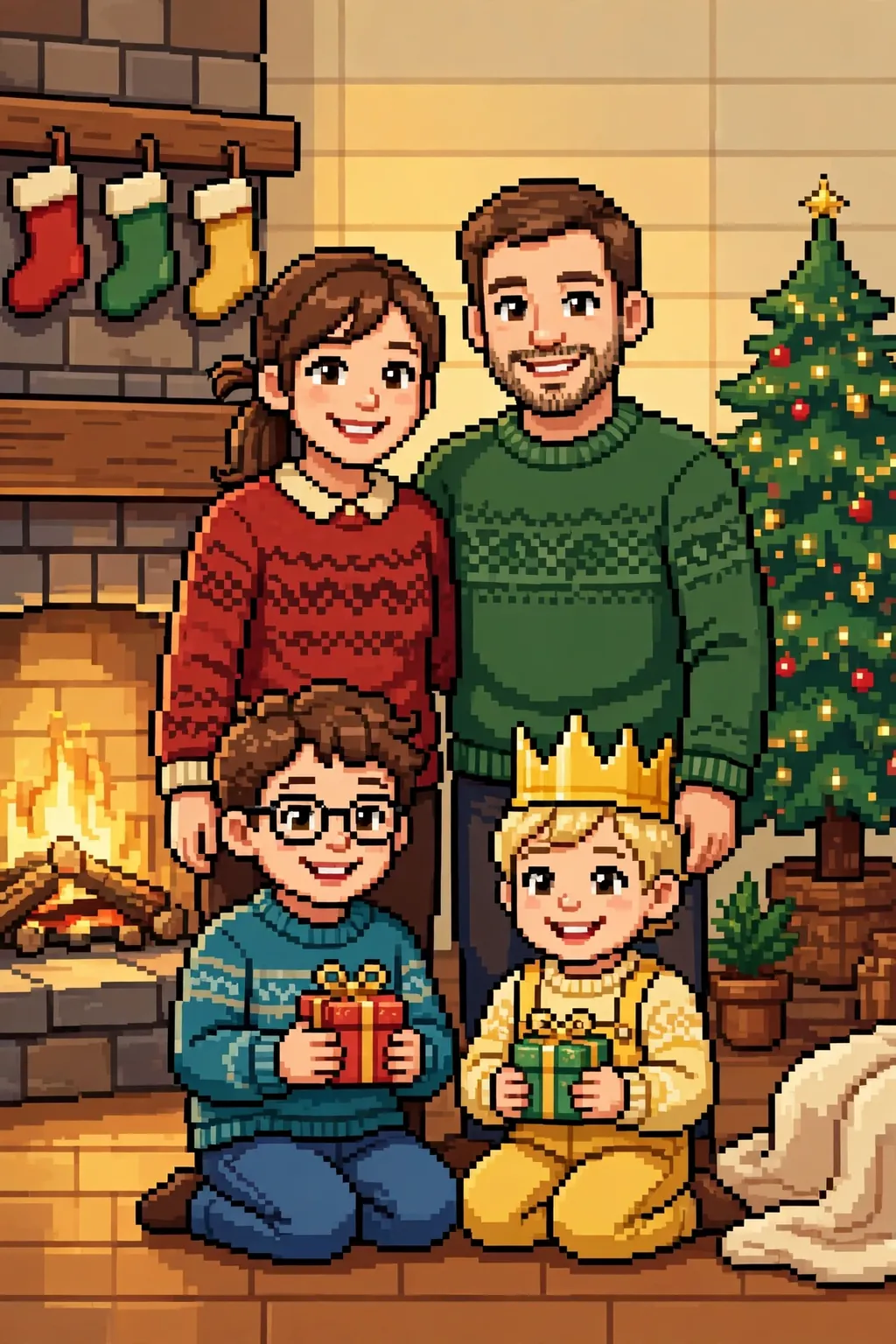
A heartwarming 16-bit pixel art family portrait in two rows before a Christmas tree and a warm fireplace.
Nano Banana
№ 19

The prompt

Turn our family photo into a heartwarming 16-bit pixel art portrait, keeping every face, hairstyle and smile clearly recognisable while rebuilding the whole group from crisp square pixels. Arrange the family in two rows — adults standing behind, kids in front — each person in their real outfit colours, rendered in layered pixel tones with soft shading. Set the scene in a cosy pixel living room at Christmas: a decorated tree with tiny glowing ornaments, a warm fireplace, stockings as simple coloured shapes, and soft golden light in banded gradients. Use a warm palette of reds, greens, golds and cream, with a gentle glow around the group. The kids hold small wrapped gifts, and the youngest wears a paper crown in bright pixel gold. Soft firelight warms the left side of the group in amber tones. No text, no watermark and no logo anywhere in the frame. The finished portrait should feel like the family photo on the wall of a beloved retro game: warm, joyful and instantly recognisable as all of us, perfect for a holiday card or a framed print.

Tip: With four or more faces, ask for the group a step back so no face gets squeezed at the edges.

Share
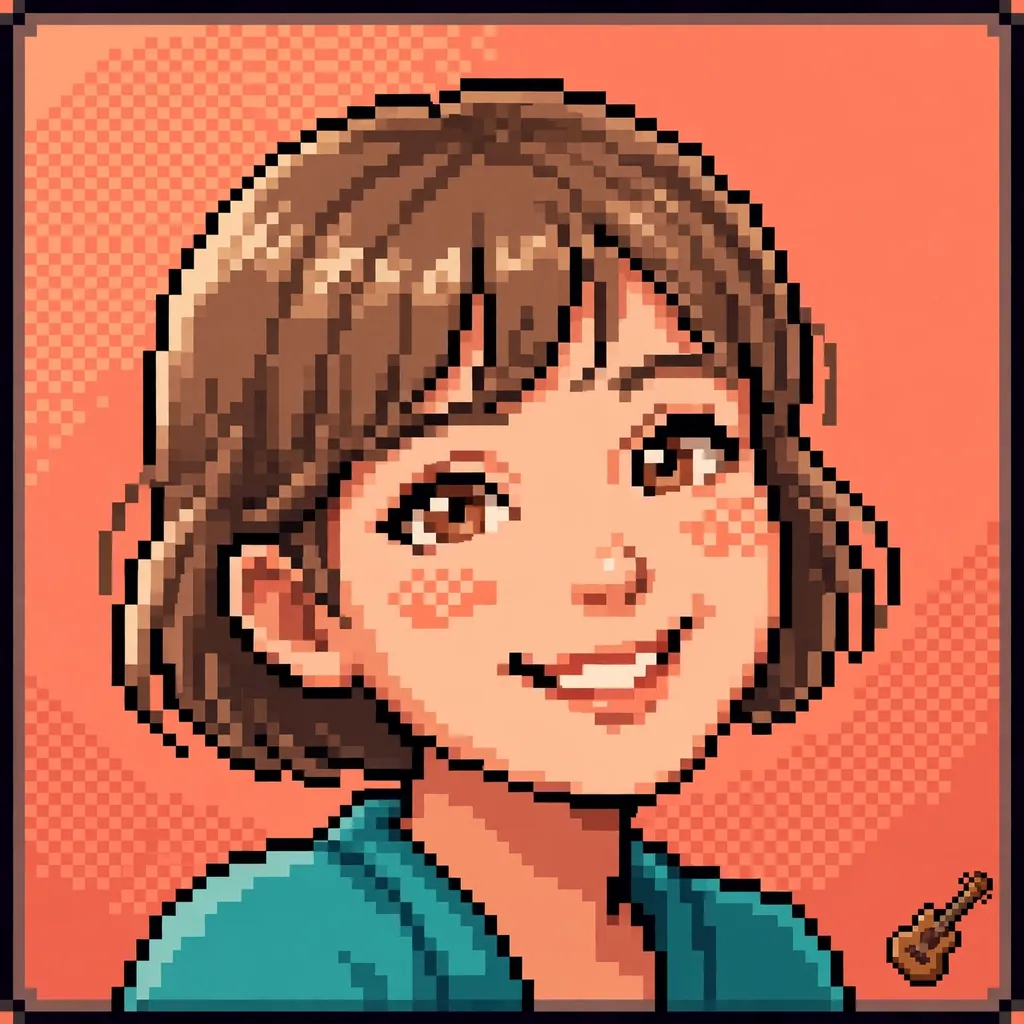
A clean pixel art profile picture with a large smiling face on a warm coral background and a tiny pixel guitar in the corner.
Nano Banana
№ 20

The prompt

Turn my selfie into a clean pixel art profile picture, optimised for a small round crop: my face large in the frame, shoulders visible, rebuilt from crisp square pixels with a bright sixteen-colour palette. Keep my exact smile, hairstyle and skin tone recognisable, with bold outlines and simple two-tone shading that stays readable at thumbnail size. Set the portrait against a warm coral background with a subtle pixel-dithered gradient and a thin dark pixel border that frames the face neatly. Add one small detail that says something about me — a tiny pixel guitar, book or camera — tucked into a corner of the background. Keep the shoulders relaxed and the head tilted just slightly for a natural, friendly feel. The border glows faintly, like a frame lit from behind. Soft light falls from the upper left, warming one side of the face. No text, no watermark and no logo anywhere in the frame. The finished picture should feel like a character select icon from a beloved retro game: friendly, unmistakably me, and sharp at every size from a phone screen to a printed badge.

Tip: Keep the face centred with space above the hair — a round crop cuts the corners, so nothing important lives there.

Share
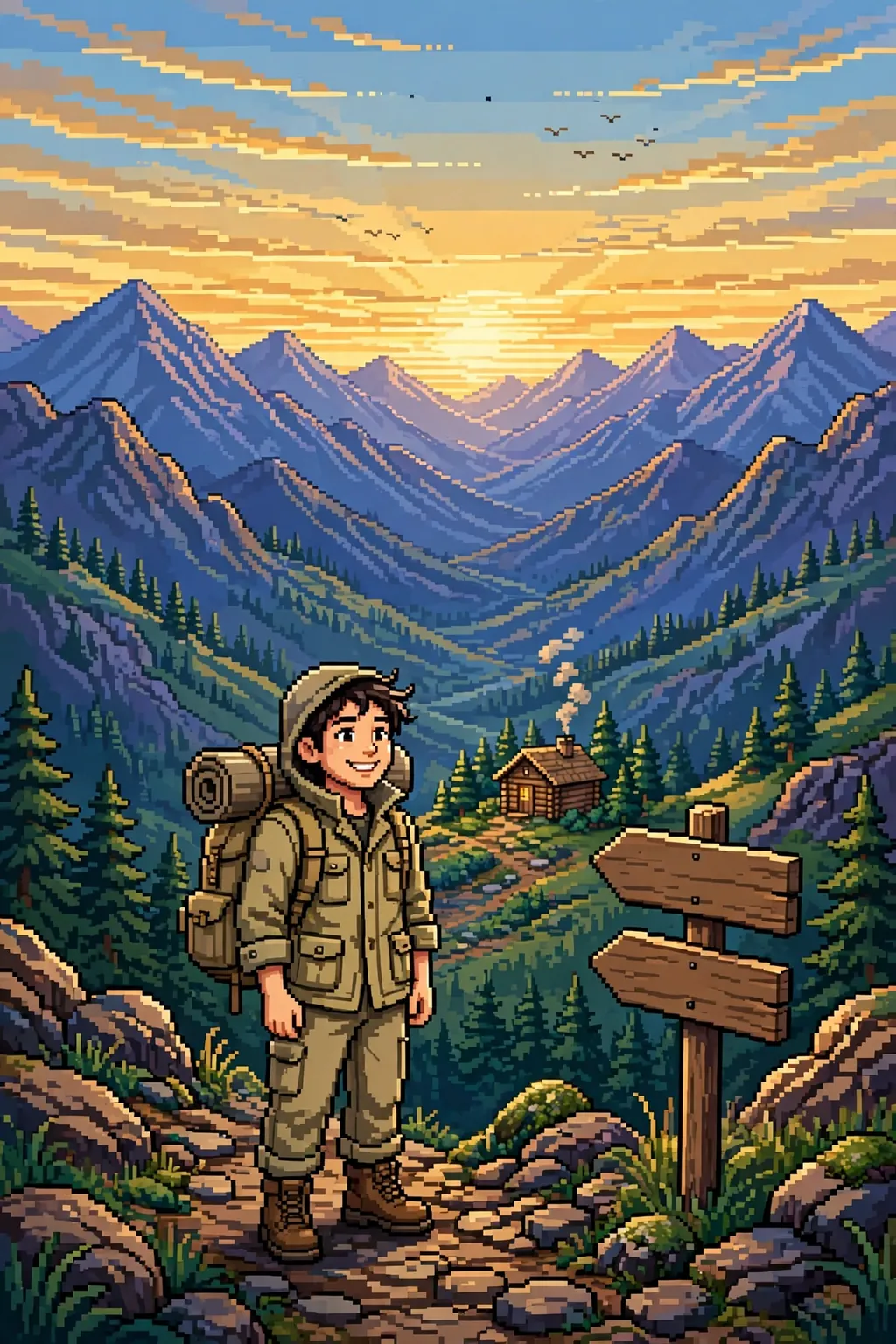
A vivid 16-bit pixel art travel portrait in a khaki jacket on a mountain trail at sunrise with layered peaks behind.
Nano Banana
№ 21

The prompt

Turn my travel photo into a vivid 16-bit pixel art portrait, keeping my face, smile and outfit clearly recognisable while rebuilding the scene from crisp square pixels. Dress me in a khaki travel jacket and a backpack, standing on a pixel mountain trail at sunrise with a wooden signpost rendered as plain shapes with no letters. Behind me, layered pixel peaks in blues and purples, a banded golden sky, tiny pine trees in blocky clusters, and a few pixel birds overhead. Use a rich palette of khaki, sky blue, warm gold and deep green, with soft shading in the skin and gentle dithering in the sky for depth. A rolled sleeping mat is strapped to the backpack, and sturdy boots grip the rocky pixel path. A small wooden cabin with a smoking chimney sits far below in the valley. The morning air feels crisp and clear in the golden light. No text, no watermark and no logo anywhere in the frame. The finished portrait should feel like a travel journal page from a beloved retro adventure game: adventurous, warm and unmistakably me, ready to share or print as a poster.

Tip: If the signpost grows letters, ask for a plain wooden post with blank arrow boards.

Share

Step by step

How to make pixel art portraits from these prompts

  1. 1

    Pick your bit depth first. 8-bit means chunky pixels and about sixteen colours — the handheld-game look, best for sprite sheets, avatars and pet portraits. 16-bit means smoother shading and around thirty-two colours — the arcade and console look, best for hero portraits, weddings and detailed scenes. The prompt names its depth, so match it to the mood you want before you start. 2. Upload a clear, front-facing photo. Pixel art simplifies everything, so the model needs a sharp original to hold on to: a well-lit face, both eyes visible, a genuine smile. A dark or blurry photo gives it too little to work with and the sprite drifts into a stranger. ChatGPT and Gemini hold faces best in this collection; Midjourney shines on the invented characters. 3. Copy the prompt and change one thing first. The easiest first change is the palette — swap the teal background for sunset orange, the red jacket for forest green — or the scene, from a dojo to a beach. One change per run keeps the result predictable; changing the palette, pose and background at once makes it hard to tell what went wrong. 4. If the result looks like a blurry filter, name the pixels. Ask for crisp square pixels, a named colour count and no smoothing or blur. Pixel art fails when the model softens the edges — the words "every pixel visible" and a specific palette size are what keep the sprite crunchy. 5. If text sneaks in, say so plainly. Arcade and game scenes tempt models into adding health bars, score counters and signs with gibberish letters. Every prompt here already bans text, but if a run still adds it, repeat "no text, no letters, no HUD elements" and re-run — one clean pass usually fixes it. 6. Save the sprite at the size you will use it. Pixel art scales badly if you stretch it later, so generate close to the final size — square for a profile picture, tall for a phone wallpaper, wide for a poster. A crisp sprite at the right size looks intentional; a stretched one looks like an accident.

Questions, answered

Frequently Asked Questions

Which model should I start with for pixel art portraits?

Start with ChatGPT — eight of this collection's twenty-one prompts were written for it, including the photo-to-pixel conversion and the sprite sheet, and it is the strongest at keeping your face recognisable while rebuilding the style. Use Gemini for the garden, beach, graduation and wedding portraits, Nano Banana for avatars and the family Christmas, and Midjourney for the five invented characters, where no photo is needed at all.

What is the difference between 8-bit and 16-bit pixel art?

8-bit pixel art uses chunky pixels and a small palette of about sixteen colours, with bold outlines and simple two-tone shading — the look of early handheld and home console games. 16-bit pixel art uses finer pixels, a wider palette of around thirty-two colours, and softer gradients in skin and skies — the look of 1990s arcade and console games. Here, sprite sheets and avatars are 8-bit; hero portraits and weddings are 16-bit.

Can I use my own photo with these pixel art prompts?

Yes — sixteen of the twenty-one prompts are written to work from your own photo, and the model keeps your face, hairstyle and smile while rebuilding everything else in pixels. Upload a clear, front-facing, well-lit photo for the best result. The five Midjourney prompts are the exception: they describe invented characters — a warrior, a samurai, a wizard — so they need no photo at all.

How do I stop the model adding text or health bars?

Every prompt here already bans text, HUD elements and watermarks, because game scenes tempt models into adding them. If a run still adds gibberish letters or a health bar, repeat the ban — 'no text, no letters, no HUD elements' — and re-run without changing anything else. One clean pass usually fixes it. The same trick works for signs, banners and book titles: name the object and add 'with no letters' after it.

Can I use the pixel art portraits commercially?

For personal use — a profile picture, a gift, a print for your wall, a post on your own feed — that is what these prompts are for. For commercial use, such as selling prints or using a sprite in a game you ship, check the terms of the AI platform that generated the image, since commercial rights vary by platform and plan. We are not giving legal advice; the platform's own terms are the authority.

Why does my pixel art look blurry instead of crunchy?

Blur happens when the model smooths the edges instead of keeping the pixels square. The fix is wording: ask for crisp square pixels, name a colour count — sixteen for 8-bit, thirty-two for 16-bit — and add 'no blur, no smoothing, every pixel visible'. If a run still comes out soft, shorten the scene description and repeat the pixel wording.

Keep browsing

More collections